Picture the size of your book
How Many Pages Do You Need for 500 or 1,000 Photos?
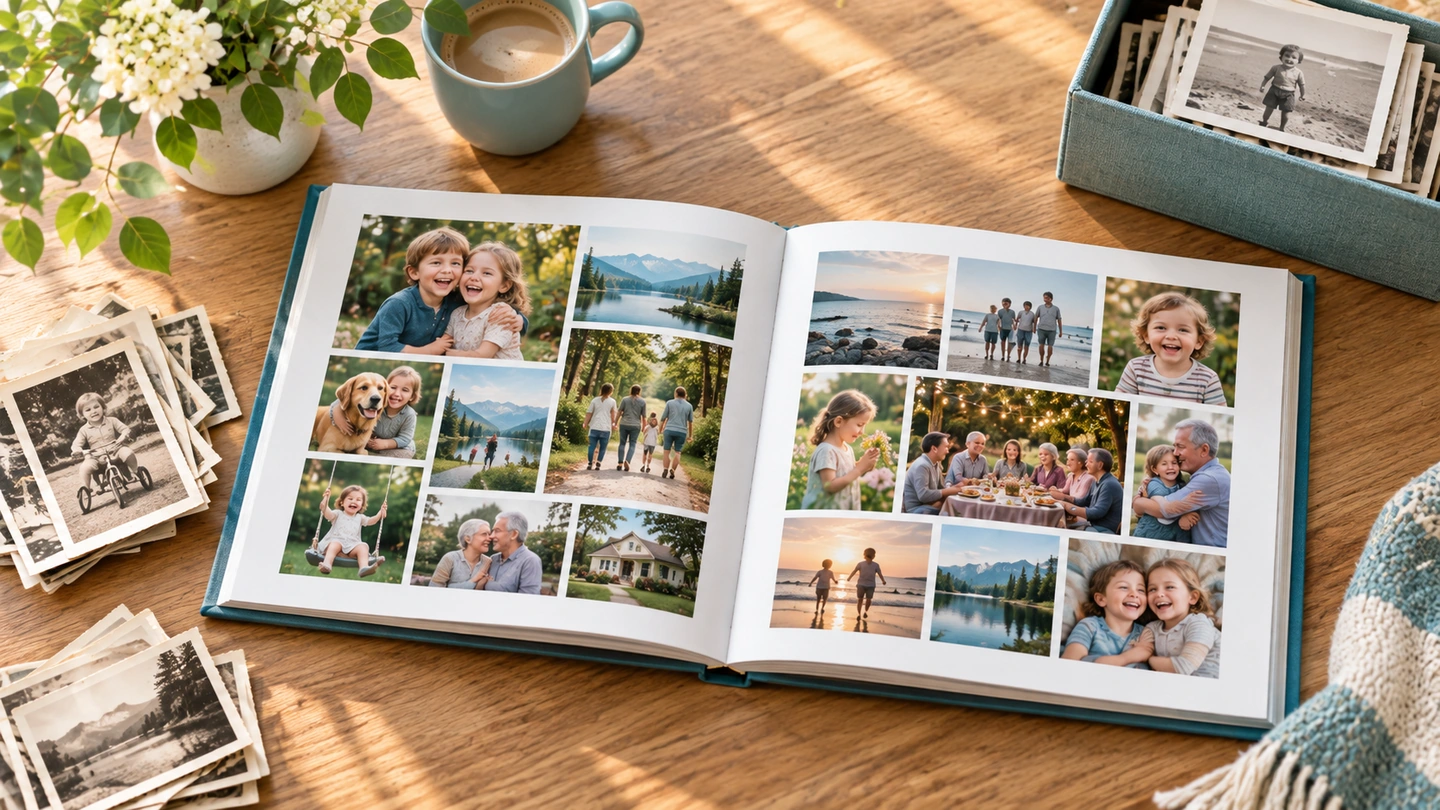
If you want larger pictures, longer captions, family names, dates, letters, or scanned documents, you will probably use fewer photos on each page. If many pictures are smaller supporting snapshots, four or more photos on a page may feel perfectly comfortable.
A quick way to picture it
| Photos per page | 500 photos | 1,000 photos |
|---|---|---|
| 1 | ~500 pages | ~1,000 pages |
| 2 | ~250 pages | ~500 pages |
| 3 | ~167 pages | ~334 pages |
| 4 | ~125 pages | ~250 pages |
| 5 | ~100 pages | ~200 pages |
Why three photos per page is a useful starting point
Using three photos per page usually leaves enough room for variety without making every spread feel crowded. It also makes page limits and pricing easier to compare across services.
Give each photo more room when...
- A photo is especially important. A favorite portrait, a rare family picture, or an image with real emotional weight usually deserves enough space to be noticed instead of being squeezed into a busy collage.
- You want captions, names, or dates people can actually read. The more story you add around the pictures, the more breathing room the page needs.
- Some scans are lower resolution. A smaller image can sometimes look better than one that has been enlarged too aggressively, so the page may need to be designed around fewer pictures.
- You are mixing photos with letters, documents, maps, or family-history notes. Those pieces often need more space than an ordinary snapshot and can quickly change the size of the book.
- You want the finished book to feel calm and easy to browse. Fewer photos on a page usually give each memory more visual room and keep the book from feeling crowded.
Fit more photos on a page when...
- You have several related snapshots from the same event. A group of smaller pictures can work well when they tell one little sequence together, such as a birthday, vacation, or family gathering.
- Some images are there mainly to provide context. Not every picture needs to be the star of the page; supporting photos can often be smaller without losing their value.
- The service has a tighter page limit. Putting a few more photos on each page may help you keep the project in one book, as long as the layouts still feel comfortable and readable.
- You are trying to control the total cost. Fewer pages can mean a lower price, so using four or five photos on some pages may be a reasonable tradeoff when budget matters more than making every picture large.
Why this matters before you choose a service
A service can look inexpensive when the advertised book starts at 20 pages and become a very different deal once your project reaches 150, 250, or 300 pages. Some services may even force a large collection into two or more books. A realistic large-project total matters much more than the advertised starting price.
What might a project this size cost?
Page count has a direct effect on price. Using the same three-photos-per-page planning assumption throughout this site, our current pricing gives you a useful ballpark for planning the project.
| Collection size | Planning size | Planning price range |
|---|---|---|
| About 500 photos | About 167 pages | Roughly $107 to $331 among the services we could price consistently at regular rates. |
| About 1,000 photos | About 334 pages | Most comparable fully priced examples were roughly $227 to $642. Chatbooks showed a much lower $107 tier. That price should be checked at checkout because other current Chatbooks pricing did not agree with it. |
Those are planning figures, not checkout quotes. Some totals exclude shipping, promotions can change the price dramatically, and page limits may force one service to use several books while another can keep the same collection in one or two. We also left Journi out of the range because we didn't find a static U.S.-configured price we trusted enough to present as precise.
See the provider-by-provider price breakdown and the assumptions behind it.
- How many photos really belong in the finished book? You do not have to print every scanned picture, and narrowing the collection can make the book easier to design, easier to browse, and less expensive.
- How much story do you want around the pictures? Captions, names, dates, letters, and family-history notes make the book more meaningful, but they also take up page space.
- Would one huge book actually be easier to use? Two or three smaller volumes may be easier to hold, cheaper to replace, and more natural if the collection divides by decade, family branch, person, or event.
- How much design work do you want to do yourself? A lower-cost service may leave more sorting and arrangement in your hands, while automated or human-assisted options can save time at a higher price.
Now match the service to the size of your project
Once you have a rough idea of the book's size, use the main comparison to see which services can handle it comfortably and which may require several books.